Extreme injecotr is the most powerfull advanced injector by master131 and this is the latest version. This injector is very usefull for injecting any dll simply and easy for use. Newbies really don't know about what is this so here is the program for you to inject your dll simply in any game like Counter Strike, CS GO and other games. This is not my program i just sharing with peoples who does'nt find the program like this if you want any software or other information i am here just comment any time in my website i'll help you anytime.
Features:
- Colourful and customizable GUI
- Process List
- Multi-DLL injection (with options to enable/disable DLLs to inject)
- Auto-Inject
- Stealth Inject
- Close on inject
- DLL Scrambling (scrambles DLLs on injection to make hacks harder to detect and make detected hacks work again)
- (optional) Click Settings and then Start in Secure Mode to avoid Anti-Cheat detection of the injector itself.
- Type in a process name into the box (including the extension). If you want to target a specific process or select by window name, use the Select button.
- (Note) If you are injecting into Combat Arms, make sure to type in Engine.exe
- Add the DLLs you want by clicking on the Add DLL button. You can also drag and drop them into the DLL list.
- You can disable/enable which DLLs to inject so you can keep your favourite DLLs without needing to find them each time.
- Go into Settings and customise the settings to your liking. Everything should be straight forward (do not mess around with Advanced settings unless you know what you are doing).
- (Note) If you are injecting into Combat Arms, make sure to tick Auto-Inject and start the game.
- Click Inject and enjoy! (or wait for the process to start and let it auto-inject if you ticked auto-inject)
The professional flashlight app by Bosch Professional brings light into the darkness. The ideal mobile flashlight is a reliable alternative to a conventional pocket lamp for every craftsman, and always at hand. It is furthermore absolutely free of charge and free of ads.
Details:
The Bosch flashlight app uses the flash of the smartphone's camera. The flashlight can be used easily and quickly. Like a floodlight it illuminates everything that is in the dark on the construction site. - Bright light through optimised control of the display backlight respectively the LED - Very good range - Innovative design in the shape of a professional work light - Easy handling: Start the app and activate the flashlight with just one touch - Widget
The highlight: The Bosch flashlight is free of charge and ads.
This app is provided free of charge by Bosch Professional, the leading manufacturer of power tools for trade and industry.
Bosch Professional provides many other free digital tools for your smartphone. We summarized these in the "Bosch toolbox", the app with many useful functions for craftsmen and other professionals, including apps like a translator for measurement units.
Naturally all Bosch Professional apps come in the usual high Bosch quality.
Real Bosch! Real professional! Blue power tools: For trade and industry.
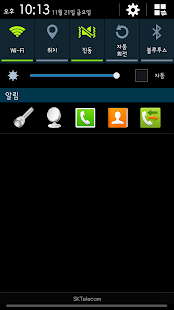
Mono launcher helps you run fast, convenient app with the notification widget.
The main screen is filled with tight Feeling ~? Did disappointed in lack Dock?
Mono launcher lets you add app shortcuts instead of using the Notification Widget Dock scarce.
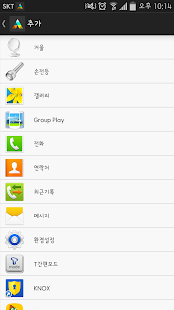
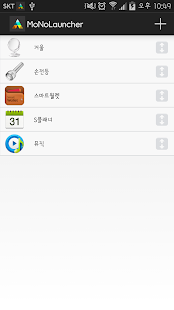
1. create a shortcut installed apps in the notification widget 2. Flashlight provides widgets. 3. Compact Mirror available widgets. 4. keep the top notification widget. 5. Set the shortcut sequence.
Version 1.3.5: - Hotfix for the widget keeping the camera busy - Camera is now released when app is in background and flash is off Version 1.3.1: - Hotfix for a compatibility mode bug - Redesigned widget - Widget now supports horizontal stretching (Recommended sizes 1x1 or 2x1) Version 1.3: - New widget added - Option to turn on light on start added Version 1.2: - Flashlight now does not turn off when screen is locked
Flashlight Details
Light weight Flashlight App without unnecessary permissions.
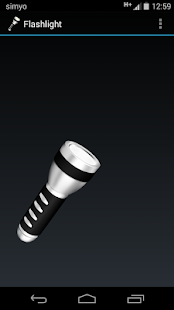
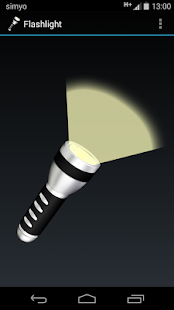
Uses LED Flash to turn your phone into a flashlight. If your phone does not have a LED Flash you can use your Display as Flashlight. In that case the app goes full screen , the display turns white and the brightness level is set to Max (when turning off the flashlight, the brightness level is set back to the original level). If the app does not recognize that your phone lacks a LED Flash you can switch do Display Mode manually by selecting Force Display Light from the options menu.
===== NEW ===== Now with new Widget!
Permissions:
android.permission.FLASHLIGHT android.permission.CAMERA Needed to turn on the LED Flash.
v1.4 Fixed several bugs Removed warning message v1.3a Fixed the bug in which application exited when the led has been turned on Changed widget layout for mdpi devices v1.3 Added widget configuration wizard Fixed fc bug on HTC devices Fixed widget dimensions on pre ICS devices v1.2 Fixed fc bug Fixed translation Added More Apps menu Added more devices support
Flashlight Mini Details
Incredibly simple and yet very powerful flashlight application - Flashlight Mini. Will use your device's camera LED / flash / screen as a flashlight.
Features: + Widget to turn on/off your flashlight + Flashlight does not turn off when the screen is off + Use your screen light as a flashlight + Use notification to instantly turn off the flashlight + Led Brightness setting for most HTC devices + Widget styles include the look and feel of AOSP Jellybean and Gingerbread widgets
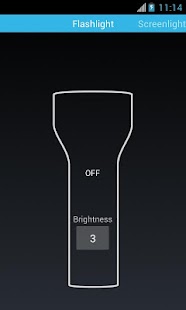
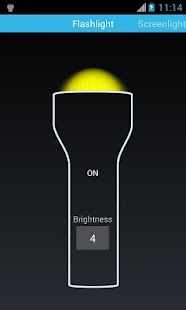
Flashlight mode uses your devices flash/led as a light source. With one button press your device becomes a flashlight. With this app you will always have a flashlight with you.
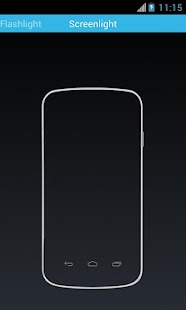
Screenlight mode uses your device screen as a flashlight. This mode sets the brightness of the devices screen to highest setting and draws white background. Screenlight is useful if your device does not have camera led/flash.
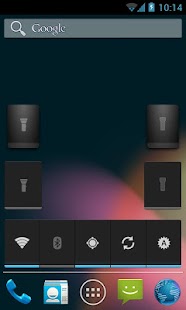
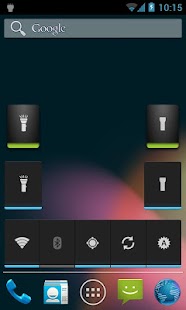
Widget gives you control to instantly turn on/off the flashlight from your home screen.
App was tested on these devices:
Samsung Galaxy S2(international) Samsung Galaxy S3 Samsung Galaxy S4 Htc Wildfire S Htc Evo 3D Htc One Nexus One Nexus 4 Nexus 5
We are working on updates to support more devices. Please send your feature requests and device requests to our support email.
v 4.8 Greatly improved the edit SMS content dialog. Added Quiet Sleep signature in free version (removeable by buying paid version). Now only auto responds once to SMS messages (setting added to auto respond each time). Changed default message to fit a single SMS. Added version change dialog. Attempted to fix the whitelist crash bug.
Quiet Sleep Free Details
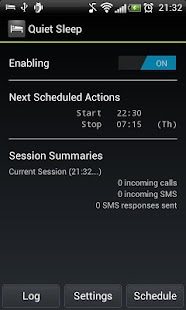
Quiet Sleep is the easiest way to automatically silence calls that are not urgent while still being able to receive emergency calls. Quiet Sleep lets you have a silent sleep without the fear of missing out on important calls.
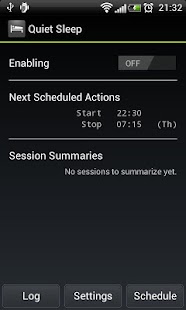
How does it work? Quiet Sleep monitors incoming calls and silences the phone so you won't be disturbed. Quiet Sleep can also send an SMS to the silenced caller explaining why you have not picked up their call (SMS content can be customized). If the same caller calls several times in a defined amount of time the sound will automatically be turned up so you can answer the important call (the mentioned factors can be adjusted in the preferences). The homescreen widget lets you turn the app on and off very quickly before and after you go to sleep.
Why use this app? Quiet Sleep is a great do not disturb app that is very similar to the real life do not disturb sign since it lets people know that you would rather not be disturbed, but they are still able to contact you if they find it necessary. Quiet Sleep is a must have for people who want a peaceful sleep but are afraid of turning off the phone and thereby taking the risk of missing an emergency call. It is also very useful for you if you are one of the many who likes to take a nap during the day or if you are working in the night and needs the silent sleep during the day, where people might call you.
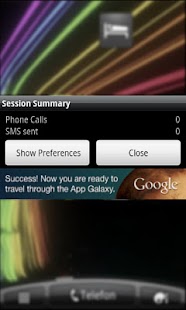
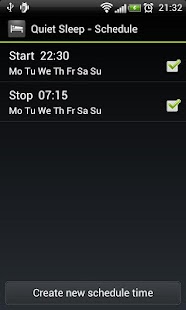
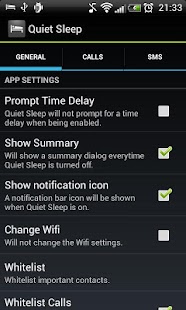
Key Features * Homescreen widget for easy access to turning Quiet Sleep on and off. * Schedule when Quiet Sleep should be enabled or disabled. * Automatic SMS sending to silenced callers. * Whitelist contacts that can always get through the Quiet Sleep filter. * Whitelist contacts that SMS can be send to. * Sound volume and mode is automatically reset after handling each call and after turning Quiet Sleep off again. * Add special tag to SMS messages to tell the silenced caller how many more times they must call to get through and how many minutes they have to make those calls. * Session Summary showing number of calls handled and SMS' sent. * And more customizable behaviour.
Other Usage Areas The functionality of Quiet Sleep can also be used for other purposes, such as busy work situations. Actually the core functionality is much like the new iOS 6 feature called "Do Not Disturb" - but Quiet Sleep has already been out for a year, and therefore contains more than the iPhone 5 promoted feature ;) The Quiet Sleep app can also be used like a call blocker (by disabling ringtone and vibration) with an automatic SMS response.
Paid version advantages * No ads! * Option to not show the summary after each session * Much prettier summary dialog! Find it here: http://apps.akosta.dk/quiet-sleep-paid/
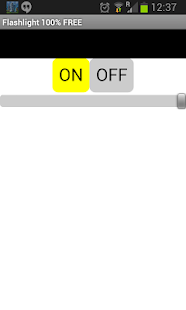
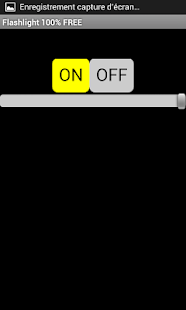
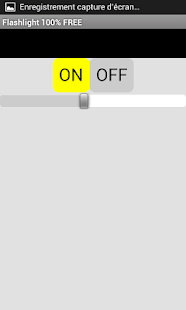
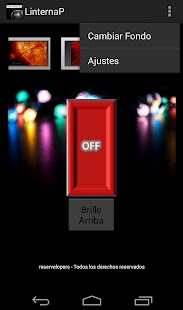
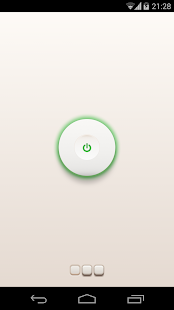
This is a simple free flashlight app for your device! Very simple and very useful for everyday use, will work on your device's camera LED / flash .
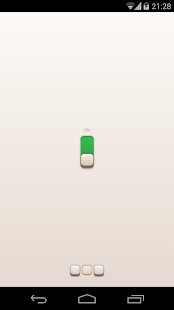
* Bright flashlight / torch mode when using the device LED. * Widget for youd desktop * 3 swiches for you * Supports the widest range of devices with a camera flash. All for free. * Small memory footprint, low battery and CPU consumption.
The best flashlight app when you need reliability and functionality.
My Torch - Your Flash Light | 5 Reviewers | | Rating: 3.8